Sale!

 MYTHICAL MOTIONS
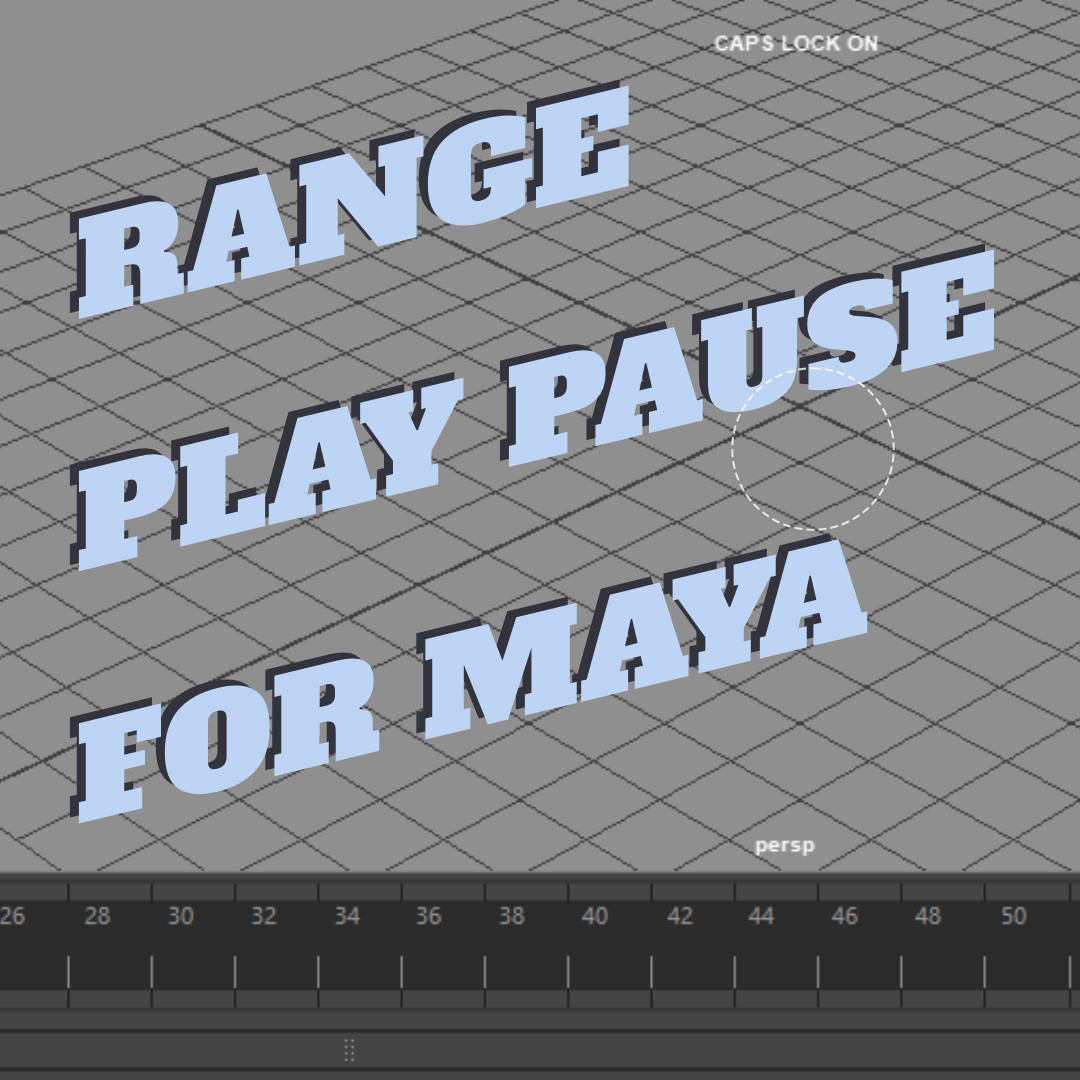
Range_play
Original price was: $5.00.$4.00Current price is: $4.00.
Sold by:
MYTHICAL MOTIONS
🎬 Maya Range Play Script
This tool allows you to temporarily play a custom time range in Maya by simply Shift + dragging on the time slider. It’s perfect for quickly previewing just a portion of your animation without changing your main timeline settings.
🔧 How It Works
-
Step 1: Shift + drag on the time slider to select a custom range.
-
Step 2: Press the Play Range hotkey to play only the selected range.
-
Step 3: When you’re done, press the Pause & Restore hotkey to stop playback and automatically restore your original playback range.
📦 What’s Included
-
rangePlay_start.py– Starts playing the selected range. -
rangePlay_stop.py– Stops playback and restores the original playback range. -
Demo video – shows how it works.
🛠️ Installation & Setup
-
Open Maya.
-
Go to Script Editor > Python tab.
-
Load each script (
rangePlay_start.pyandrangePlay_stop.py) one by one. -
Assign each script to a hotkey:
-
Open Hotkey Editor (
Windows > Settings/Preferences > Hotkey Editor) -
Create two new hotkeys under Custom Scripts
-
One for the Play Range
-
One for Pause & Restore
-
-
-
Save and you’re good to go!
🎥 Need Help?
A demo video is included to show exactly how it works.
Share this with your friends
-
Sale!
 MYTHICAL MOTIONS
Maya Playblast Pro
Original price was: $10.00.$5.00Current price is: $5.00. -
Sale!
 MYTHICAL MOTIONS
MM_set maya project
Original price was: $5.00.$2.00Current price is: $2.00. -
Sale!
 MYTHICAL MOTIONS
Tween tools
Original price was: $10.00.$5.00Current price is: $5.00. -
Sale!
 MYTHICAL MOTIONS
MM_Video to ImagePlanes
Original price was: $15.00.$10.00Current price is: $10.00. -
Sale!
 MYTHICAL MOTIONS
MM_Cam_Tools
Original price was: $8.00.$5.00Current price is: $5.00. -
Sale!
 MYTHICAL MOTIONS
MM_SceneCleanupOptions
Original price was: $10.00.$8.00Current price is: $8.00.



Reviews
There are no reviews yet.