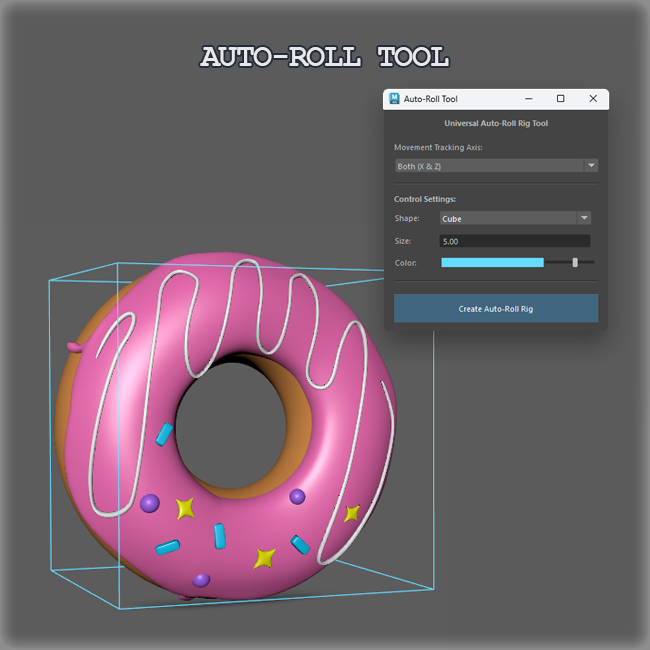

Description
This script automates the setup of rolling wheels and props. It automatically rotates objects based on their movement.
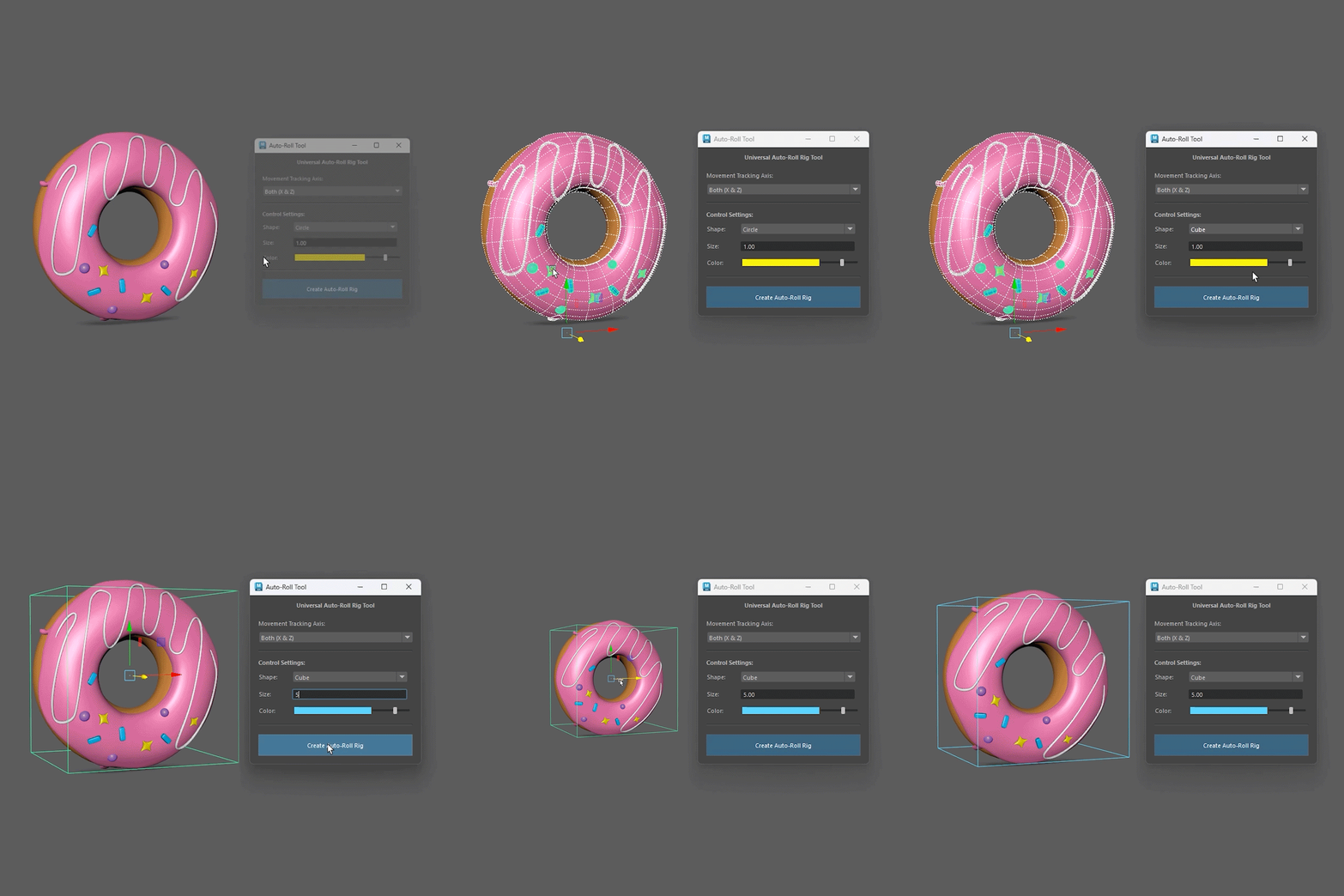
How to use:
- Select the 3D geometry mesh (or a group containing meshes) of the wheel/object.
- Launch the tool and select your desired Tracking Axis.
- Customize your controller shape, size and color.
- Click the “Create Auto-Roll Rig” button.
- Move the generated “_CTRL” curve along the selected axis and watch it roll!
- Enjoy 🙂





Reviews
There are no reviews yet.