
Description
Retopologize in Maya by drawing your topology directly on the surface.
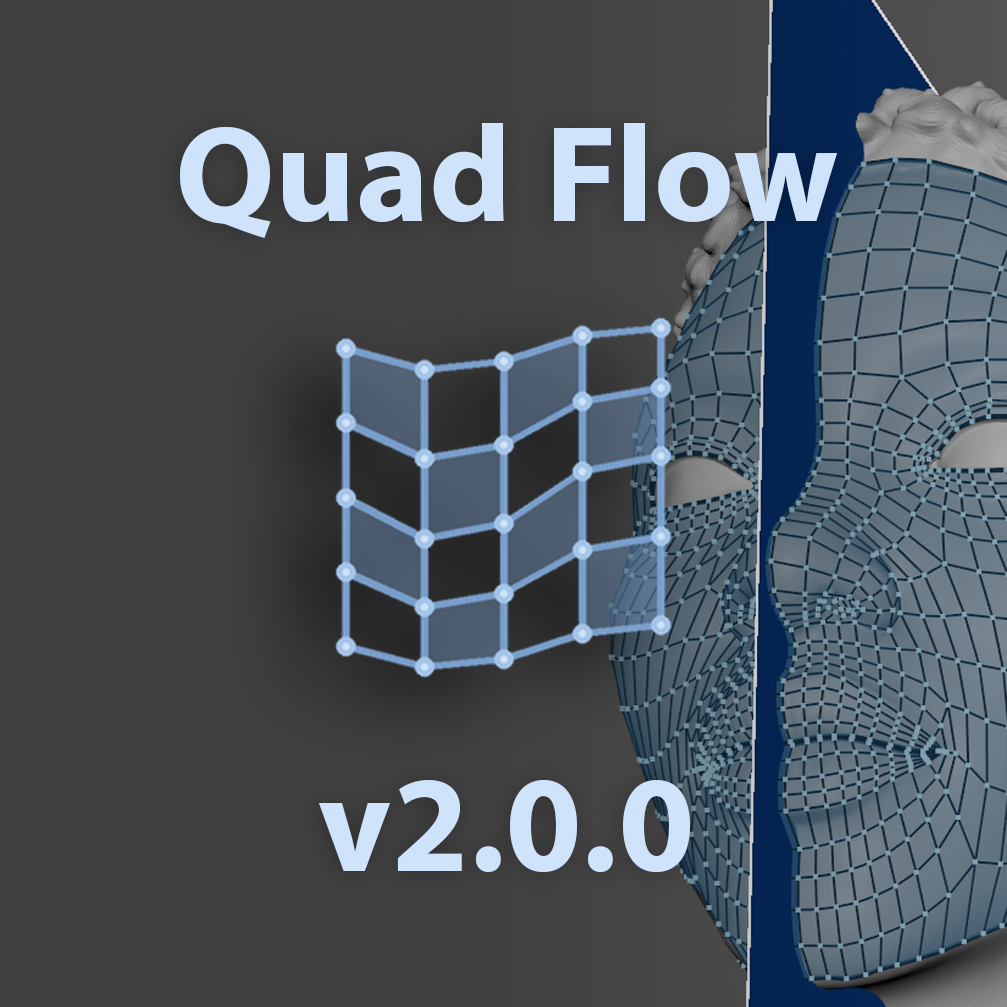
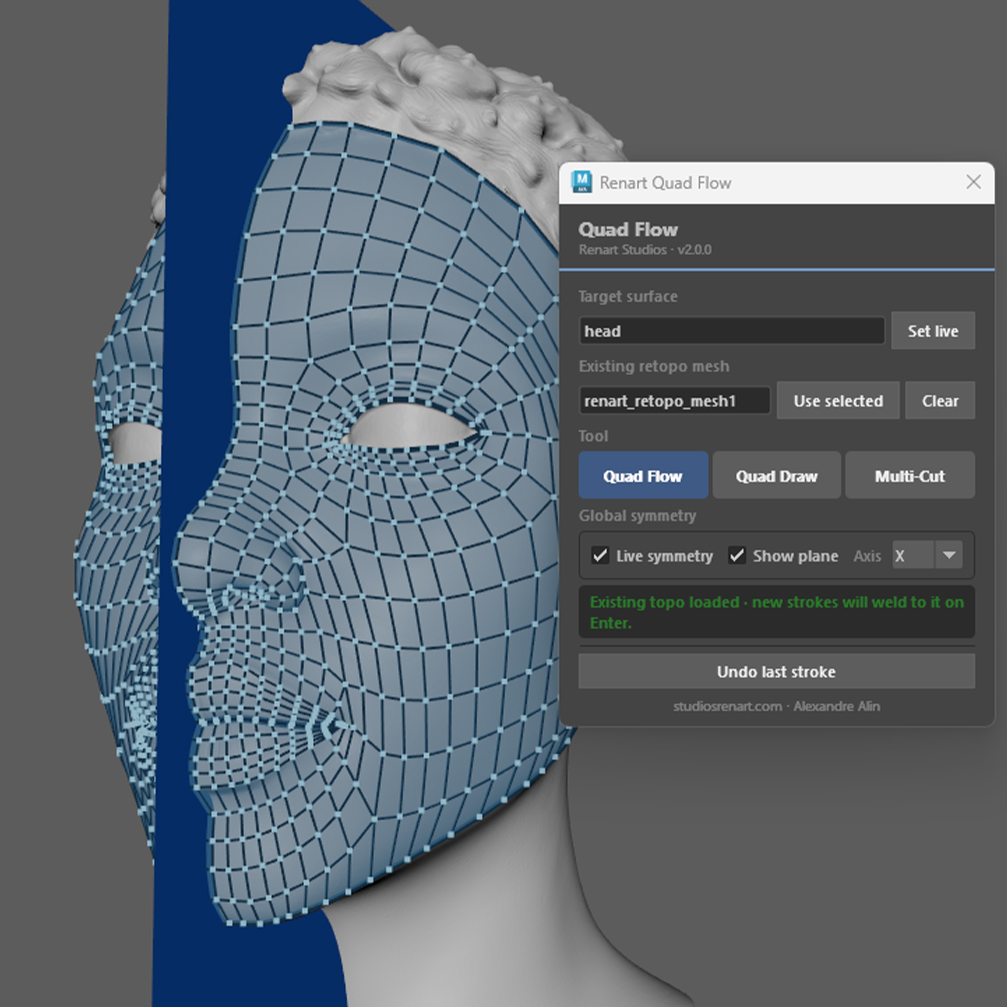
Renart Quad Flow is a stroke-based quad retopology tool. Draw stroke after stroke on your target surface and each stroke becomes a clean row of quads that snaps and welds to your existing geometry on demand. Draw near a border and it auto-fills the gap with a quad on the right border, at the right scale. Snapping, welding, and the auto-quad all scale to your local polygon size, so it stays precise on dense, coarse, and very large meshes alike. Octree-accelerated projection keeps drawing fluid even on heavy target meshes.
Your retopo reads like Maya’s own Quad Draw: shaded faces, crisp edges and vertices drawn cleanly on top of the target with zero flicker, whether you’re zoomed out or right against the surface. The display scales to your scene automatically, and your target keeps its own material at all times — what you see is your real shading, start to finish.
Works seamlessly alongside Maya’s native Quad Draw and Multi-Cut, integrated in the same panel, with live symmetry, a visual symmetry plane, and a clear viewport display. Designed first for graphics tablets, but works just as well with a mouse.
Built for modelers, riggers, and technical artists who want to retopologize at the speed of drawing.
New in 2.0.0
- All-new Quad Draw-style viewport display — no z-fighting, scale-adaptive, clean at any distance
- Your target’s material stays untouched — no more temporary shader while the tool is open
- Cleaner start: setting a target live no longer leaves it selected
- Free update for all existing customers
Compatible with Maya 2023–2027.
Tutorial:
https://youtu.be/bgCNyoWmLOw?si=8ysAOcXfqcFXI_5p
Update:
https://youtube.com/shorts/k7QgAJ6OsDU?si=w9-4K8PCXcAxVVs5


Reviews
There are no reviews yet.